
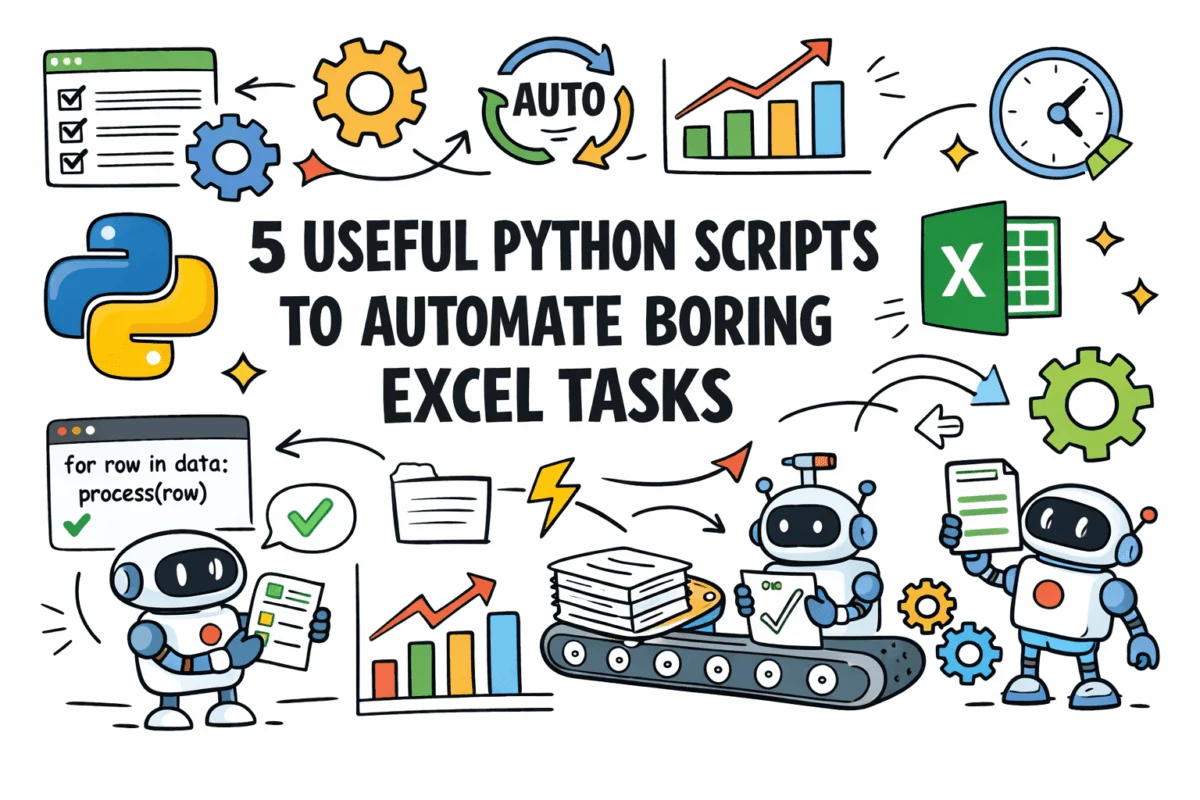
The enduring prevalence of Microsoft Excel in business operations, despite the rise of more sophisticated data management systems, underscores its accessibility and versatility. However, a significant proportion of the time spent by professionals utilizing Excel is consumed by repetitive, mechanical tasks that are ripe for automation. These include the laborious consolidation of data from disparate sources, the identification and rectification of duplicate entries, the reformatting of inconsistent data exports, and the segmentation of large datasets into manageable, individual files. Such tasks, while not inherently complex, are notoriously time-consuming and highly susceptible to human error, posing substantial challenges to data integrity and operational efficiency.
In response to these pervasive challenges, a suite of five specialized Python scripts has emerged, offering robust, configurable, and self-contained solutions designed to automate these tedious Excel operations. Developed with real-world, often ‘messy’ data in mind, these tools promise to significantly enhance productivity, reduce error rates, and free up valuable analytical time for data professionals across various industries. The availability of these scripts on GitHub further democratizes access to advanced automation capabilities, empowering a broader spectrum of users to optimize their data workflows. This development signifies a critical step in bridging the gap between traditional spreadsheet operations and modern data science practices, advocating for a more efficient and accurate approach to everyday data handling.
The Persistent Challenge of Manual Excel Processes
Excel’s ubiquity stems from its intuitive interface and powerful calculation capabilities, making it the de facto tool for everything from financial modeling to project management and basic data analysis. However, its manual nature for many routine data manipulation tasks presents a considerable bottleneck in contemporary data-driven environments. Studies consistently indicate that data professionals can spend anywhere from 20% to 40% of their workweek on manual data cleaning and preparation, often referred to as "data wrangling." This substantial time investment not only detracts from higher-value analytical work but also introduces a significant margin for error. Manual data entry and manipulation error rates can range from 0.5% to 3% or even higher in complex operations, leading to flawed analyses, incorrect reports, and potentially costly business decisions. The sheer volume of data processed by organizations today exacerbates these issues, making manual methods unsustainable for maintaining data quality and operational agility. The advent of Python-based automation offers a timely and effective countermeasure to these entrenched inefficiencies.
Elevating Data Consolidation: The Excel Files Merger
One of the most frequently encountered "pain points" for data professionals is the consolidation of data from multiple Excel or comma-separated values (CSV) files. The traditional manual approach—opening each file, copying data, and pasting it into a master sheet—is not only slow but also fraught with the risk of misalignment errors, particularly when source files possess differing column orders or structures. This manual overhead can escalate dramatically when dealing with dozens or hundreds of files, translating into hours of repetitive work.
The Excel Files Merger script provides a sophisticated solution to this challenge. It systematically scans a designated folder for both .xlsx and .csv files, intelligently stacks their data into a single, unified sheet, and then exports a clean, merged output file. A key feature is its ability to automatically handle mismatched column orders by aligning columns based on their names rather than their positional order. Furthermore, it offers an optional add_source_column feature, which appends the original filename to each row, providing an invaluable audit trail and ensuring data traceability. Under the hood, the script leverages the powerful pandas library for efficient data reading and concatenation, while openpyxl handles the final output to Excel, including a summary tab detailing file-by-file row counts. Column mismatches are diligently logged, offering transparency into any structural discrepancies across the merged datasets.
"The time savings from automating file mergers are transformative," stated Dr. Anya Sharma, a lead data scientist at TechInnovate. "What once took a team days to consolidate manually for a quarterly report, risking multiple errors, can now be executed in minutes with full traceability. This isn’t just about efficiency; it’s about fundamentally improving data reliability at the foundational level." The implications extend to faster reporting cycles, improved data governance, and the elimination of data silos that often arise from fragmented data storage.
Ensuring Data Purity: The Duplicate Finder
Duplicate records are a ubiquitous problem in datasets, particularly those compiled from multiple systems or through repeated exports and imports. While exact duplicates are relatively straightforward to identify, the real challenge lies in detecting "near-duplicates"—records that represent the same entity but differ slightly due to formatting inconsistencies, typographical errors, or extraneous spacing. Manually identifying these subtle duplicates in large datasets is an arduous and often incomplete task. The presence of duplicate data can lead to skewed analyses, incorrect customer outreach, and inefficient resource allocation, costing businesses significant sums annually. For instance, inaccurate customer records due to duplicates can lead to wasted marketing spend or duplicated service efforts.
The Duplicate Finder script addresses this critical data quality issue by scanning an Excel file for both exact and fuzzy duplicate rows based on user-defined key columns. It employs pandas for precise duplicate detection and integrates RapidFuzz for advanced fuzzy string matching on specified text fields. This combination allows for the identification of near-duplicates with remarkable accuracy. Each identified duplicate group is assigned a unique ID, accompanied by a match confidence percentage, providing a clear indication of the similarity between records. The output Excel file is then meticulously annotated using openpyxl formatting, employing color coding to visually highlight suspected duplicate clusters. A separate summary sheet provides an overview of the total duplicates found, categorized by match type, offering actionable insights for data cleansing efforts.
Mr. David Chen, Head of Operations at GlobalCorp, remarked, "Maintaining a clean customer database is paramount for our CRM and marketing initiatives. Before, our team spent countless hours manually cross-referencing records, and still, subtle duplicates would slip through. This Python script not only slashes that time but significantly boosts the accuracy of our data, directly impacting our operational costs and customer satisfaction." The script’s capability to flag fuzzy matches is particularly valuable in scenarios where human data entry introduces variations, providing a robust tool for enhancing data integrity and supporting initiatives like Master Data Management (MDM).
Standardizing Data Integrity: The Data Cleaner
Data exported from various external systems is rarely consistent. Common inconsistencies include mixed date formats, varying capitalization, phone numbers with different separators, and trailing whitespaces. Manually standardizing this "messy" data before any meaningful analysis can be performed is a highly repetitive and time-consuming process that often precedes any analytical endeavor. The principle of "garbage in, garbage out" perfectly encapsulates the risks associated with analyzing uncleaned data.
The Data Cleaner script offers a comprehensive solution by applying a configurable set of cleaning rules to Excel or CSV files. These rules encompass a wide array of operations: standardizing date formats, trimming whitespace, rectifying capitalization (e.g., to title case), normalizing phone numbers and postcodes, and removing blank rows. Crucially, it also flags cells that appear incorrect or cannot be parsed according to the defined rules, channeling these issues into a dedicated _clean_errors column. The script generates a cleaned output file alongside a detailed change log, which is written to a second sheet. This log meticulously documents every modification, showing original versus cleaned values for each altered cell, ensuring complete transparency and preventing silent data discard.
The script’s core functionality relies on a configuration file that maps column names to specific cleaning operations, such as date_format, title_case, strip_whitespace, and phone_normalize. This modular design allows users to tailor the cleaning process to their specific data requirements. "Data quality is not just a technical concern; it’s a business imperative," commented Ms. Eleanor Vance, a data governance consultant. "Tools like this data cleaner script are essential for building trust in data, enabling faster, more reliable analytics, and ensuring compliance with data quality standards." The implications are profound, affecting everything from regulatory reporting accuracy to the reliability of machine learning models trained on clean data.
Efficient Data Distribution: The Sheet Splitter
Organizations frequently need to distribute segments of a master dataset to various stakeholders, such as regional managers, department heads, or specific client groups. For instance, a global sales report might need to be broken down into individual reports for each country or region. Manually executing this task—filtering a master sheet, copying the relevant data, and saving it as a new file repeatedly—is tedious, inefficient, and highly prone to errors, such as accidentally including or excluding data from the wrong segment.
The Sheet Splitter script automates this critical distribution process. It reads a single Excel sheet and intelligently splits it into multiple distinct output files, with each file corresponding to a unique value within a specified column. For example, if a "Region" column is selected, the script will generate a separate Excel file for each unique region (e.g., "North America.xlsx," "Europe.xlsx"). Each output file retains only the rows pertinent to its specific value, preserving original formatting, column headers, and data types. Filenames are automatically generated based on the column values, following a user-defined naming template (e.g., Sales_Report_value_date.xlsx). An advanced, optional feature allows the script to send each generated file as an email attachment, utilizing a provided name-to-email mapping via the Simple Mail Transfer Protocol (SMTP).
The script utilizes pandas to group the DataFrame by the target column and openpyxl to write each group to its own .xlsx file. This automated distribution capability significantly enhances reporting workflows and ensures that stakeholders receive only the data relevant to their purview, reducing clutter and improving data security. "Distributing segmented reports used to be a major bottleneck, often delaying our quarterly reviews," noted Mr. Marcus Bell, Director of Sales Operations. "This script not only eliminates the manual effort but also guarantees accuracy and consistency in our reporting distribution, allowing our regional teams to access their specific data much faster." This tool is invaluable for streamlining internal communication, client reporting, and departmental data sharing, minimizing administrative overhead.
Automated Insight Generation: The Pivot Report Generator
Generating summary reports from raw data—such as monthly trends, totals by category, or top performers—is a fundamental analytical task. Traditionally, this involves the manual construction of pivot tables, formatting them for readability, and then copying the results into a presentable layout. When the underlying source data updates regularly, this entire process must be repeated from scratch, consuming considerable time and effort from data analysts. This repetitive cycle hinders agility and can delay critical decision-making.
The Pivot Report Generator script provides an automated solution for creating dynamic, multi-tab summary reports. It reads a raw Excel data file, constructs configurable pivot summaries based on user-defined parameters, and then writes a fully formatted report. A significant enhancement is its ability to generate and embed charts directly into the output file, visualizing key trends and insights. The script is designed for on-demand regeneration, meaning it can be re-run effortlessly whenever the source data changes, automatically overwriting the previous output with updated insights.
A configuration file defines essential parameters such as the date field, value field, grouping columns, and specific aggregations (e.g., sum, average, count) to be performed. The script leverages pandas for all aggregation logic and integrates openpyxl with Matplotlib for chart generation, ensuring high-quality visual outputs. Each summary type is allocated its own dedicated tab within the Excel workbook, and conditional formatting can be applied to highlight highest and lowest values, drawing immediate attention to key data points.
"The ability to regenerate complex pivot reports and charts with a single command is a game-changer for our business intelligence team," explained Dr. Lena Hansen, Chief Data Officer at Innovate Analytics. "It moves us from reactive, manual reporting to proactive, on-demand insights, enabling our leadership to make faster, more informed decisions based on the latest data." This script transforms recurring reporting into an efficient, automated process, drastically reducing the analytical burden and fostering a culture of continuous insight generation.
Broader Implications: A Shift Towards Data Empowerment
The emergence of these Python scripts signifies more than just a collection of utility tools; it represents a broader trend towards empowering data professionals and even non-technical business users with advanced automation capabilities. By abstracting the complexity of programming behind configurable scripts, these tools enable "citizen data scientists" to perform tasks traditionally requiring specialized coding knowledge. This not only democratizes data science but also bridges the operational gap between business needs and technical execution.
The integration of Python with Excel, a familiar interface for millions, is particularly powerful. It allows organizations to leverage their existing infrastructure and skillsets while incrementally adopting more robust and scalable data processing methods. The shift away from manual, error-prone tasks towards automated, verifiable workflows fosters a culture of data quality, transparency, and efficiency. As businesses increasingly rely on data for strategic decision-making, the ability to quickly and accurately prepare, clean, and analyze information becomes a competitive advantage. These scripts embody a practical, immediate pathway to realizing that advantage, proving that powerful automation doesn’t always require a complete overhaul of existing systems, but rather intelligent enhancement. The continued development and sharing of such open-source solutions will undoubtedly accelerate this evolution, driving greater productivity and data literacy across the professional landscape.