
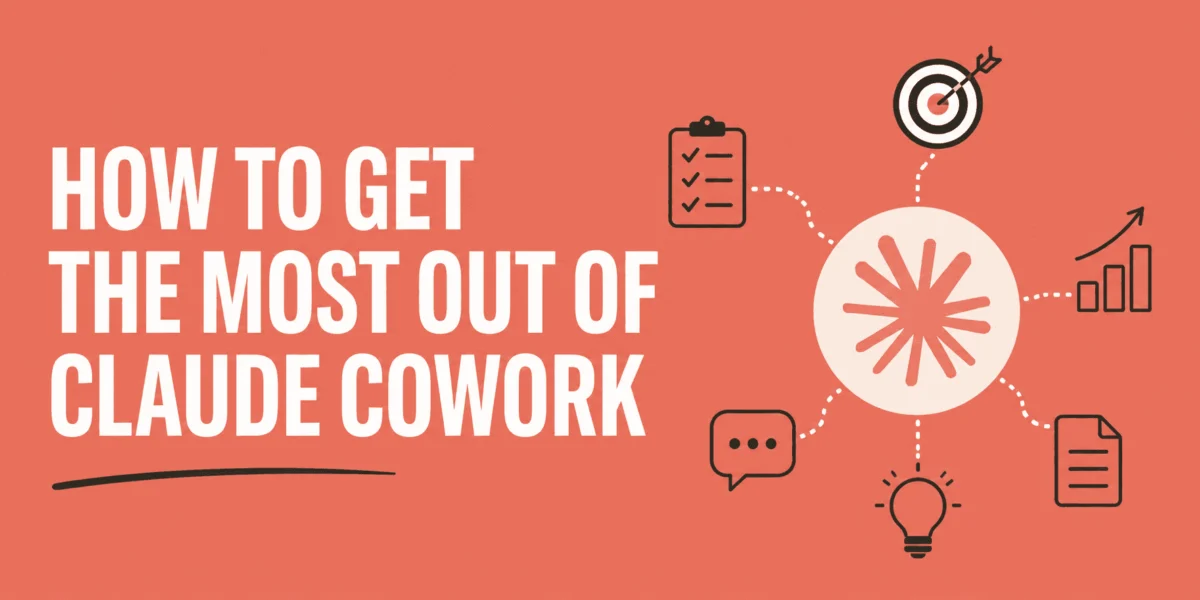
Anthropic has launched Claude Cowork, an innovative autonomous agent designed to revolutionize how professionals manage deep, file-heavy, and multi-step knowledge work directly from their desktop. Moving beyond the conventional chatbot interface, Cowork integrates seamlessly with a user’s local file system, allowing it to plan, execute, and deliver complex projects—from synthesized reports and reorganized folders to formatted spreadsheets and finished documents—without constant human oversight. This development marks a significant evolution in AI’s role, transitioning from an interactive assistant to a delegated, project-managing colleague, fundamentally altering the dynamics of professional productivity.
The Evolution of AI in Knowledge Work: From Chatbots to Autonomous Agents
For years, artificial intelligence has steadily permeated professional workflows, primarily through conversational agents that answer queries, draft emails, or summarize information. Tools like the standard Claude chat interface, while powerful, operate within a query-response loop, requiring users to manually copy outputs and integrate them into their existing file structures. This interactive model, while efficient for quick tasks, often falls short when confronted with the intricate, multi-faceted projects that define a professional’s day. Industry reports suggest that knowledge workers globally spend an estimated 30-40% of their time on repetitive administrative tasks, often involving data extraction, reformatting, and file management across disparate applications. This inefficiency has fueled the demand for more integrated and autonomous AI solutions.
The introduction of Claude Cowork by Anthropic represents a pivotal moment in this evolution. It embodies the concept of "agentic AI," where the system not only understands commands but also plans, executes, and adapts its actions to achieve a defined outcome. This shift aligns with broader trends in AI development, pushing towards systems capable of more independent reasoning and action within a user’s digital environment. Anthropic, known for its commitment to safe and responsible AI, positions Cowork as a tool that augments human capabilities, freeing up valuable time for strategic thinking and creative problem-solving.
Unpacking Claude Cowork’s Transformative Capabilities
At its core, Claude Cowork operates as an autonomous agent embedded within the Claude Desktop application, available for macOS (Apple Silicon, M1 or later) and Windows users. Its defining feature is direct, file-system-level access to a designated folder on the user’s machine. This capability distinguishes it from browser-based AI tools, eliminating the need for manual uploads, downloads, or reformatting. When a user defines a desired outcome, Cowork:
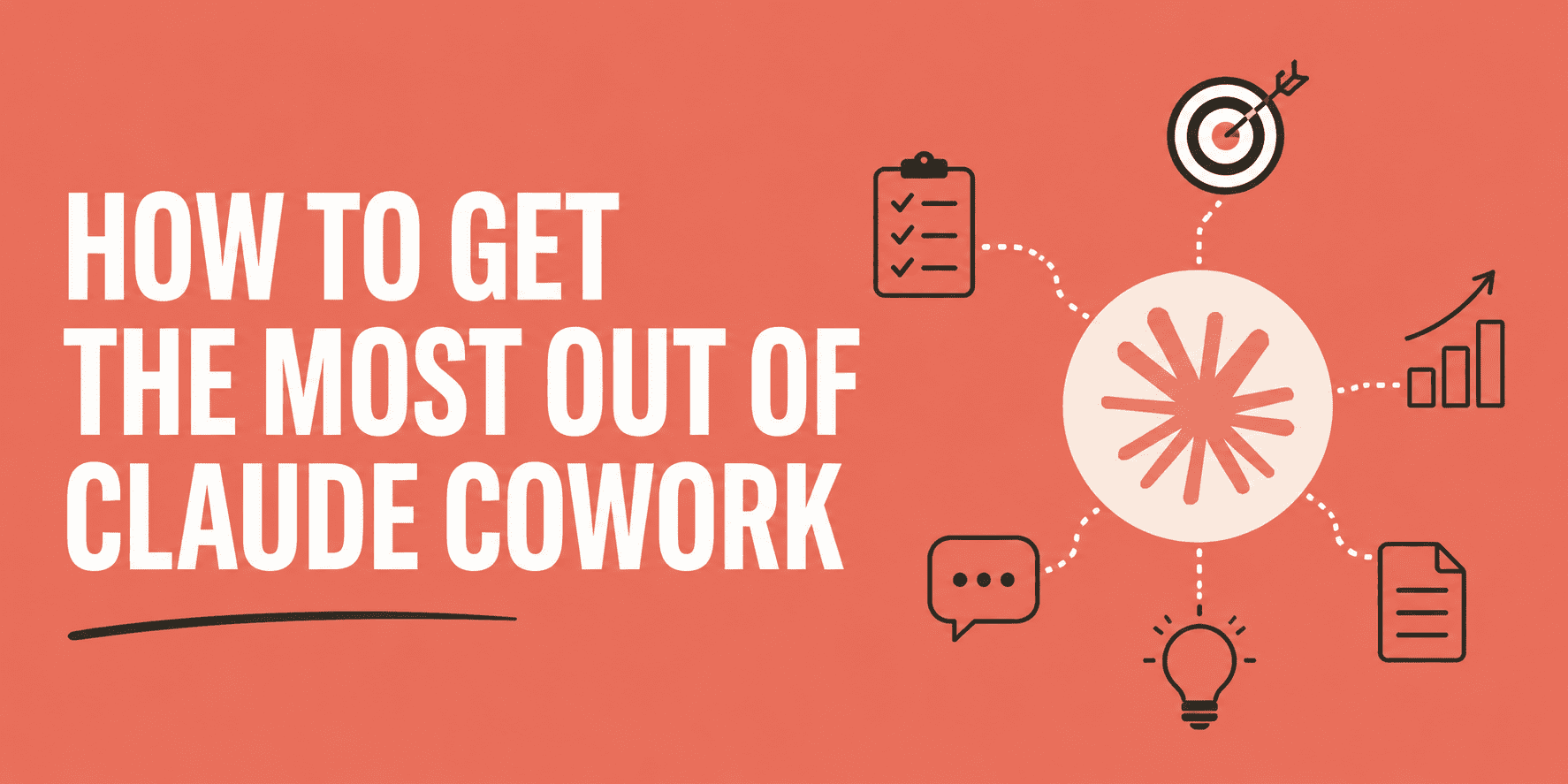
- Analyzes the Request: It interprets the user’s high-level objective.
- Formulates a Plan: It breaks down the complex task into a series of actionable steps. For intricate projects, it can even deploy "sub-agents" to execute parallel processes, significantly accelerating completion.
- Executes Actions: It reads, edits, and creates files (e.g., Word documents, PowerPoint presentations, spreadsheets, PDFs) directly within the connected folder.
- Delivers Finished Products: The final output lands precisely where it’s needed, in the correct format, ready for immediate use.
This direct integration means there is no "clipboard in the middle," no "export as document" step. The friction points inherent in traditional AI workflows are largely removed, leading to a smoother, more efficient professional experience. A spokesperson for Anthropic highlighted that "Cowork is not just another chat interface; it’s a digital colleague capable of taking projects from conception to completion within your existing desktop environment, reflecting a deeper understanding of real-world knowledge work."
Beyond local file management, Cowork’s utility is amplified through its robust Connectors panel. Users can link their Cowork environment to a growing ecosystem of popular professional tools, including Gmail, Google Calendar, Notion, Slack, Microsoft 365 (Outlook, SharePoint, OneDrive), and GitHub, among over 38 others. This extensive integration means Cowork can pull information from an inbox, check calendar entries, read Notion pages, and even push outputs to cloud-based collaboration platforms, creating a truly interconnected workflow. For instance, a daily morning briefing can now synthesize information from emails, calendar events, and internal documents, automatically compiling a concise report.
Who Stands to Benefit: The Non-Technical Knowledge Worker
Claude Cowork is specifically engineered for non-technical knowledge workers—a broad demographic spanning project managers, consultants, researchers, content leads, finance analysts, and anyone whose role demands the consistent production of structured outputs from raw inputs. It targets the "white-collar burden" of repetitive, yet essential, tasks.
Consider scenarios such as:
- Data Synthesis: Extracting key figures from multiple spreadsheets to compose an executive summary.
- Document Management: Reorganizing a chaotic folder structure, categorizing files, and standardizing naming conventions.
- Report Generation: Consolidating notes from various meetings or research sources into a coherent, polished report.
- Presentation Preparation: Assembling slide decks from scattered source materials, ensuring consistent branding and messaging.
"If your daily work involves transforming disparate pieces of information into actionable documents, Cowork is designed to absorb that workload," explains Anthropic. Early adopters and beta testers have reported significant time savings, with some indicating a reduction of up to 25-30% in time spent on routine document-centric tasks, allowing them to redirect their focus towards higher-value, strategic initiatives. This aligns with a broader industry push to leverage AI not just for speed, but for freeing up human capital for innovation.
Strategic Implementation: Getting the Most Out of Cowork
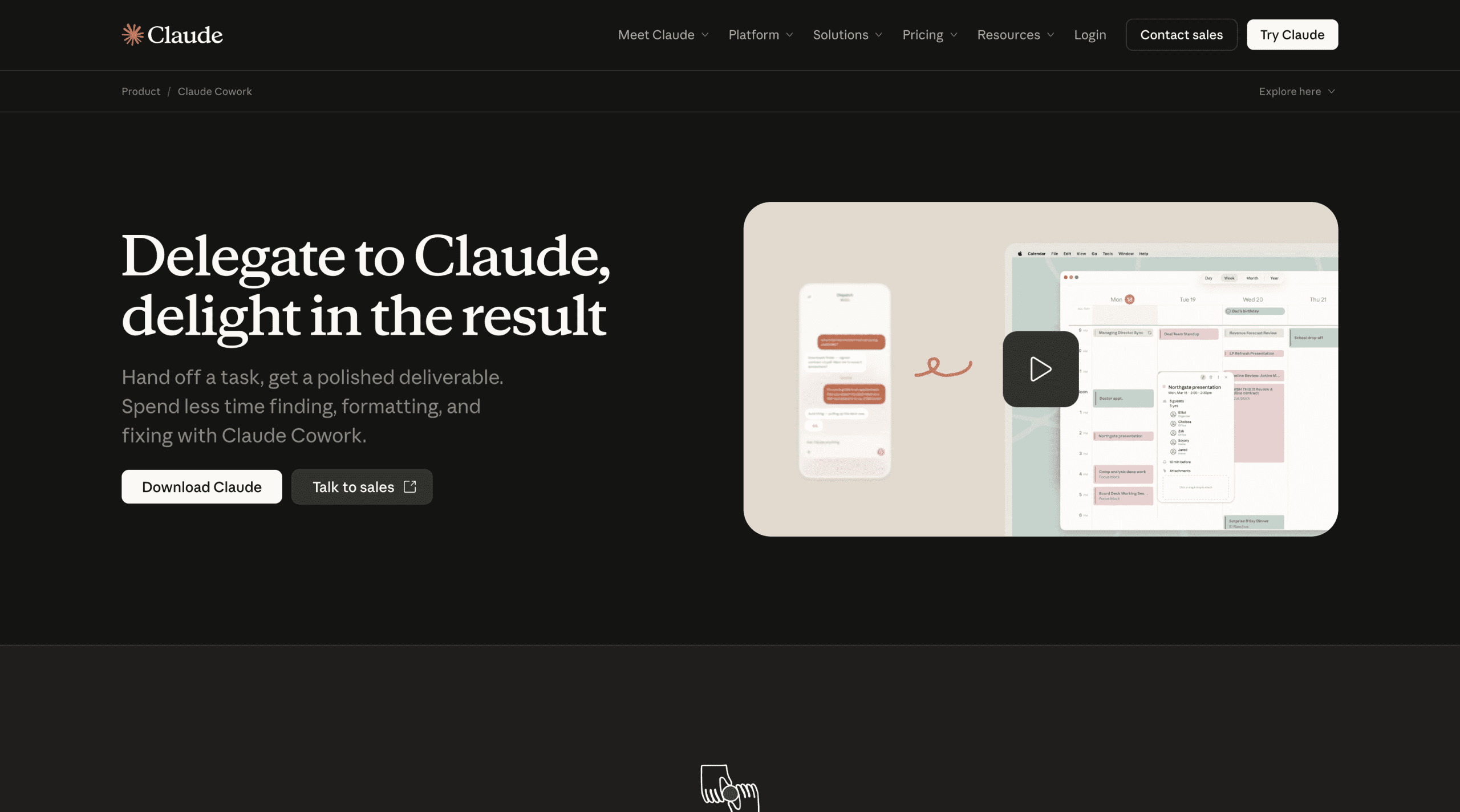
Adopting Claude Cowork effectively requires understanding its unique operational paradigm and implementing best practices.
1. System Requirements and Subscription:
Cowork is exclusively available on paid Claude plans (Pro, Max, Team, Enterprise). Its compute-intensive nature means complex tasks will consume usage allocations faster than standard chat interactions. Compatibility requires macOS with Apple Silicon (M1 or later) or a compatible Windows machine. Anthropic provides a readiness check tool for Windows users to confirm compatibility prior to download.
2. Downloading and Initial Setup:
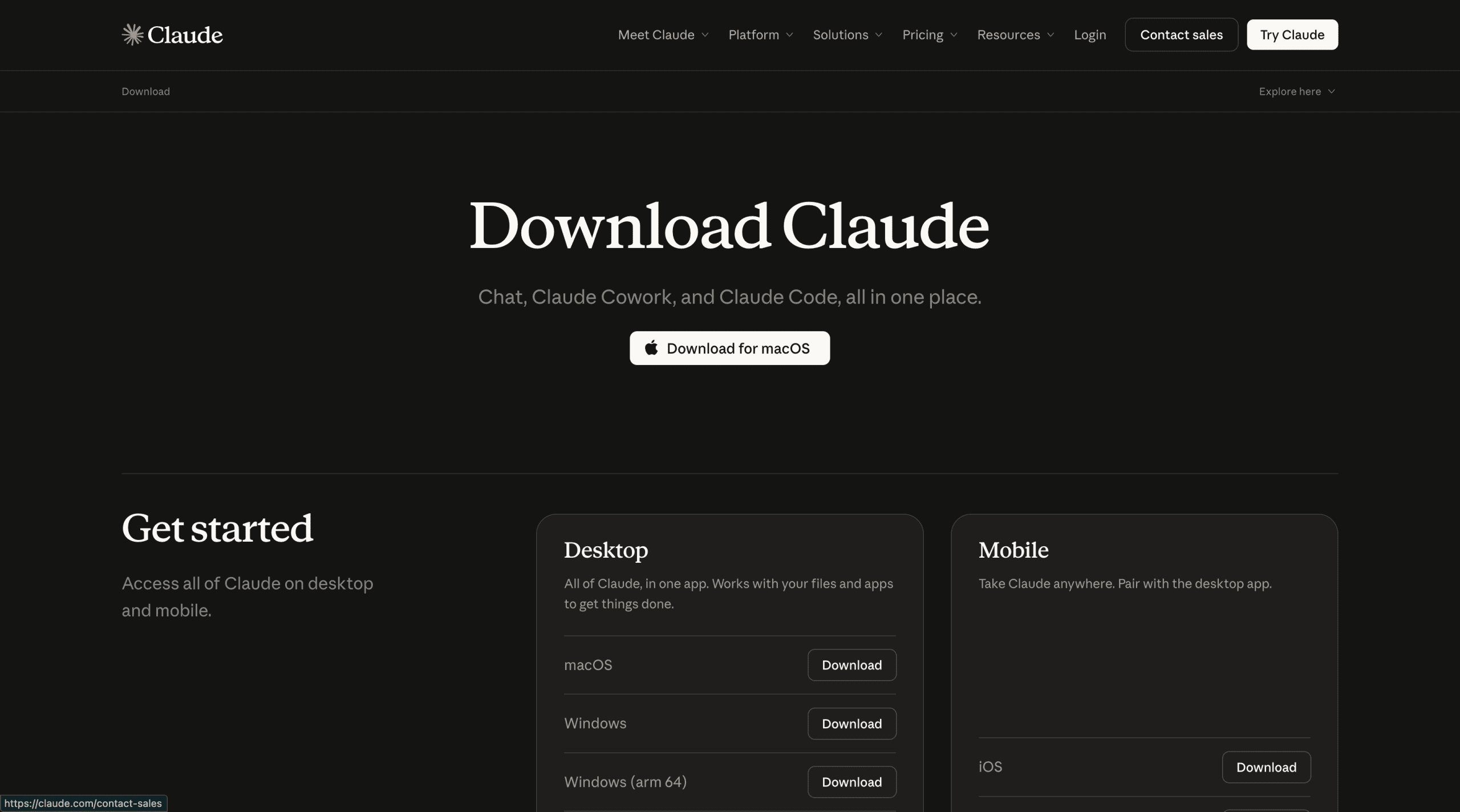
Users download the Claude Desktop application from claude.com/download. Once installed, the "Cowork" tab in the sidebar initiates task mode. Crucially, users must connect a local folder, which defines the strict boundary of Claude’s file access. A critical piece of advice from Anthropic is to "create a test folder with copies of real files for initial tasks," safeguarding critical live project directories during the learning phase.
3. Global Instructions: Setting the AI’s Persona:
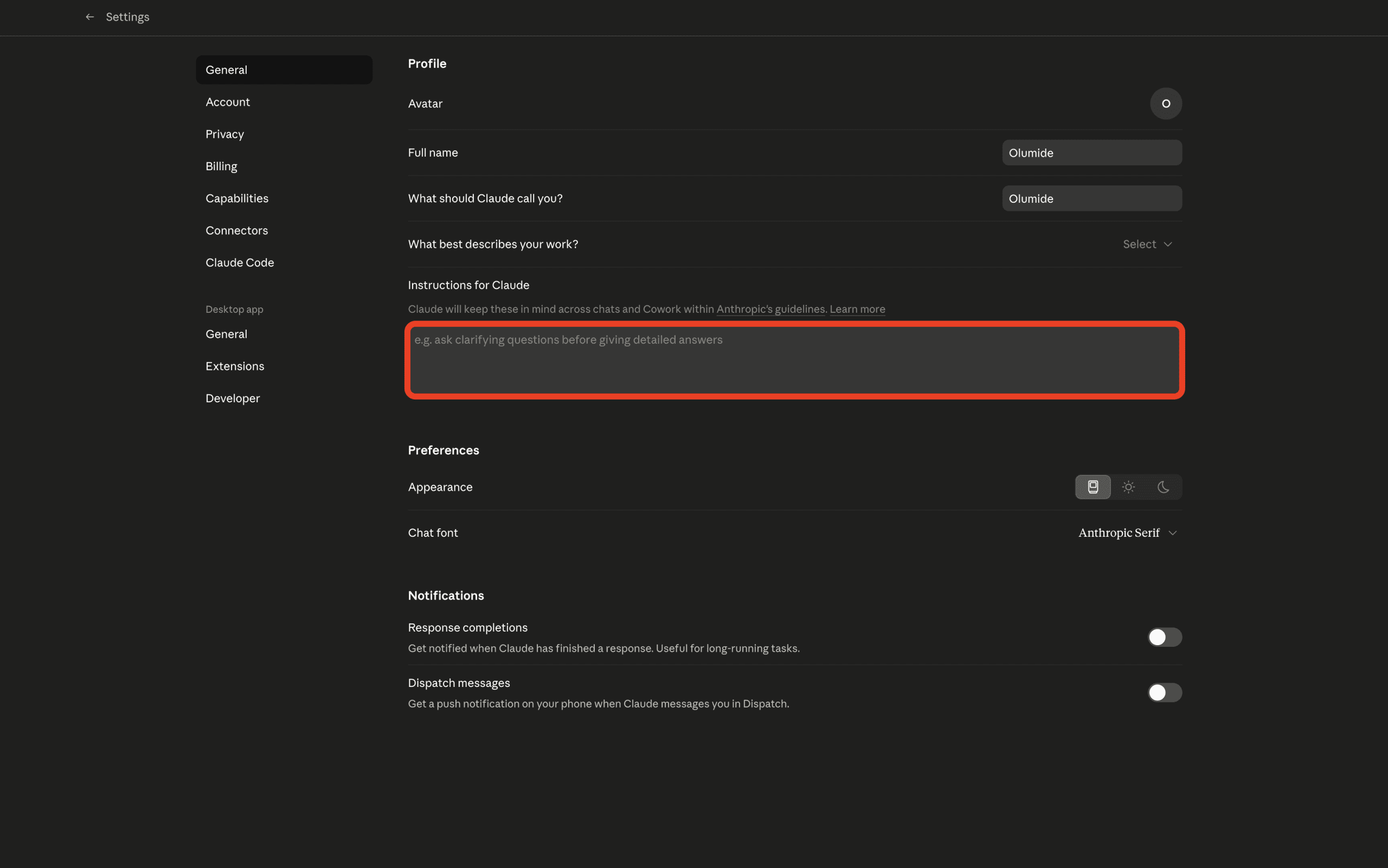
An often-overlooked yet powerful feature is the "Global Instructions" setting. Here, users can define their role, preferred output formats, desired tone, and other overarching guidelines. For example: "I am a content strategist at a B2B SaaS company. Always format documents with an executive summary at the top, use clear section headers, and write in a concise professional tone. Default output format is Word (.docx) unless I specify otherwise." These instructions automatically apply to every Cowork session, minimizing repetitive prompting and ensuring consistent output quality. Folder-specific instructions can further tailor behavior for different projects.
4. Connecting Your Digital Ecosystem:
The "Settings > Connectors" panel is where Cowork truly becomes a central hub. By linking email, calendar, and collaboration tools, Cowork’s capabilities extend beyond local files, enabling it to gather context and deliver outputs across a user’s entire digital workspace. Starting with one or two frequently used connectors, such as Gmail and Google Calendar, can immediately unlock powerful workflows like automated morning briefings.
5. Mastering Outcome-Based Prompting:
The most common hurdle for new users is adapting their prompting style. Cowork thrives on outcome prompts, not step-by-step instructions. Instead of "Open the sales report. Find the revenue column. Add up the numbers by quarter. Then write a paragraph summarizing the trend. Put it in a new document," users should phrase requests as: "Analyze the Q1 sales report in this folder and produce a Word document with an executive summary, quarterly revenue figures in a table, and a short section on the biggest trends." This delegates the "how" to Claude, allowing it to leverage its agentic planning capabilities. Planning alongside Claude before execution—asking it to outline its approach for complex tasks—can further refine results and prevent wasted runs.
6. Rich Context and Scheduled Automation:
For recurring work, maintaining a "context file" within the Cowork folder—a plain text or Markdown document detailing project background, stakeholders, and standards—significantly enhances output quality. This file can be referenced in prompts, providing Claude with comprehensive historical and operational context.
Furthermore, Cowork supports scheduled tasks via the /schedule command or the dedicated "Scheduled" sidebar. This allows users to automate routine processes like daily briefings or weekly reports. A crucial operational note is that the user’s machine must be awake, and Claude Desktop open, for scheduled tasks to execute. If conditions aren’t met, the task queues and runs upon the next app launch. This functionality transforms routine administrative burdens into automated background processes.
Security and Data Governance: A Critical Consideration
The ability of Claude Cowork to access local file systems and connect to cloud-based professional tools naturally raises questions about data security and privacy. Anthropic, a company built on the principles of responsible AI, emphasizes that Cowork operates within strict boundaries defined by the user. The connected folder acts as a sandbox, preventing unauthorized access to other parts of the system. For enterprise users, this local processing capability can be particularly appealing as sensitive data does not necessarily need to be uploaded to external servers for basic processing.
However, industry experts advise that organizations implement clear data governance policies for AI agent usage. Users must be mindful of the permissions granted to Cowork, especially when connecting to tools like Microsoft 365 or GitHub, which might contain proprietary or confidential information. Anthropic states that data processed by Cowork adheres to their stringent privacy policies, but the ultimate responsibility for data handling and compliance rests with the user and their organization. Future updates are expected to include more granular control over data access and retention, especially for enterprise deployments.
Broader Market Impact and Future Outlook
Claude Cowork’s introduction is poised to significantly impact the landscape of AI-powered productivity tools. By shifting the paradigm from interactive assistance to delegated autonomy, Anthropic is challenging users to rethink their relationship with AI. This technology could lead to a substantial reallocation of human effort, allowing professionals to dedicate more time to strategic thinking, creative development, and complex problem-solving—areas where human intuition and expertise remain paramount.
The move towards agentic AI also intensifies competition among leading AI developers. As other companies race to build similarly integrated and autonomous agents, the focus will increasingly shift from raw model capability to seamless integration, robust security, and intuitive user experience. Analysts predict that this wave of autonomous agents will not necessarily lead to job displacement but rather job transformation, requiring knowledge workers to develop new skills in AI supervision, prompt engineering, and critical evaluation of AI-generated outputs.
The success of Cowork will depend on user adoption, continuous refinement of its capabilities, and Anthropic’s ongoing commitment to ethical AI development, ensuring that these powerful tools are used responsibly and beneficially across professional domains.
Conclusion
Claude Cowork represents a compelling advancement in AI, moving beyond the conversational assistant model to offer a truly delegated, autonomous agent for knowledge work. Its direct integration with local file systems and extensive connector ecosystem enables it to tackle complex, multi-step tasks that traditionally consume a significant portion of a professional’s day. By embracing outcome-based prompting and leveraging features like Global Instructions and scheduled tasks, users can unlock substantial efficiency gains, transforming their workflows from interactive to truly hands-off. The immediate impact lies in freeing up professionals from administrative burdens, allowing them to focus on higher-value activities. For those seeking to redefine their productivity and embrace the future of AI-augmented work, downloading Claude Desktop and exploring Cowork’s capabilities offers a tangible first step towards this transformative potential.
Shittu Olumide is a software engineer and technical writer passionate about leveraging cutting-edge technologies to craft compelling narratives, with a keen eye for detail and a knack for simplifying complex concepts. You can also find Shittu on Twitter.








Leave a Reply