
Background and Evolution of Agentic AI in Software Development
The integration of artificial intelligence into software development has evolved rapidly, moving from rudimentary code completion tools to sophisticated agentic systems. Initially, AI tools focused on static analysis, syntax highlighting, and basic auto-suggestions. The advent of large language models (LLMs) like OpenAI’s GPT series and Anthropic’s Claude marked a significant leap, enabling more complex tasks such as generating entire functions, debugging, and refactoring. Agentic programming represents the next frontier, where AI systems can autonomously plan, execute, and monitor multi-step tasks, interacting with the development environment, running tests, and even self-correcting errors without constant human intervention.
Claude Code, Anthropic’s specialized offering, epitomizes this evolution. Launched to empower developers with a powerful, conversational coding agent, it aims to streamline workflows and boost productivity. However, the true potential of such an agent hinges on its integration into a developer’s existing ecosystem and its ability to maintain context, adhere to project-specific rules, and operate securely. Early adopters often report a honeymoon period where initial prompts yield impressive results, only to be followed by frustration as sessions become unwieldy, context windows fill, and the agent loses track of prior decisions. This experience highlights a critical need for proactive configuration, transforming the tool from a novelty into an indispensable asset. Industry projections suggest the market for AI developer tools is set to grow exponentially, with some reports estimating a compound annual growth rate (CAGR) exceeding 30% through 2030, driven by the demand for increased efficiency and innovation. Optimizing tools like Claude Code is paramount to realizing these projected gains.
The Core Challenge: Beyond Sensible Defaults
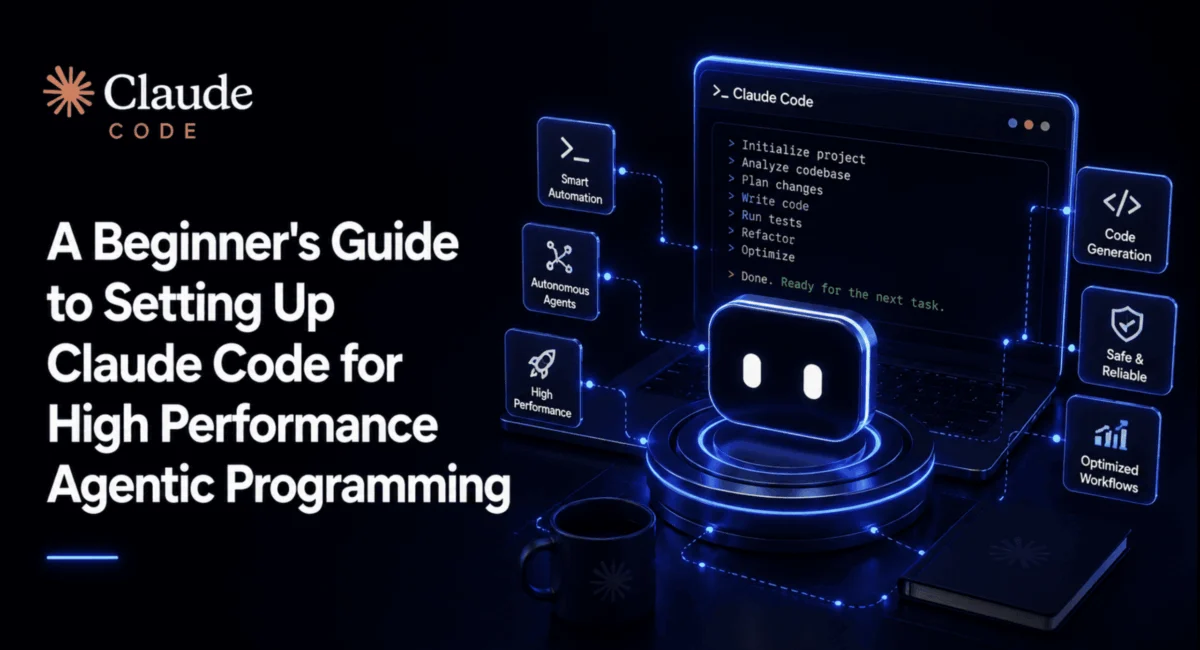
The initial installation of Claude Code, whether via macOS/Linux curl, Windows PowerShell irm, or npm, is straightforward. The recommended practice involves launching claude from within a specific project directory, a crucial step that scopes the agent’s memory and settings to the relevant codebase. This foundational principle prevents the agent from operating in a generic context, which can lead to irrelevant suggestions and poor performance. Authentication, typically through an OAuth login with a Claude subscription (Pro, Max, or Team) or an API key, integrates the CLI with Anthropic’s services. While Claude Code offers various interfaces, including a VS Code extension, JetBrains plugin, desktop app, and a web version, all these platforms draw from the same underlying configuration files, making a robust foundational setup universally beneficial.
The primary impediment to sustained high performance lies in the reliance on "sensible defaults." These defaults are designed for ease of entry but do not account for the specific demands of complex, long-running agentic tasks. Developers frequently encounter issues such as:
- Context Degradation: Long sessions lead to the agent "forgetting" earlier decisions or code changes due to context window limitations.
- Permission Fatigue: Repeated manual approvals for routine operations interrupt workflow and reduce efficiency.
- Inconsistent Behavior: Lack of project-specific guidelines causes the agent to deviate from established coding conventions.
- Security Vulnerabilities: Unchecked execution of commands poses risks to the development environment.
These challenges collectively diminish the value proposition of agentic programming. Addressing them requires a deeper engagement with Claude Code’s architectural components, specifically three critical files that dictate its operational intelligence and behavior.
Key Configuration Pillars: Orchestrating Agent Behavior
Claude Code’s operational efficacy is largely governed by its configuration files, primarily located in the project’s .claude/ directory (alongside a CLAUDE.md at the project root) and a global ~/.claude/ directory. Anthropic’s documentation on the .claude directory structure emphasizes the strategic placement of these files for optimal agent performance.
CLAUDE.md (Project Root): The Project’s Memory and Guidebook
This Markdown file serves as the agent’s primary source of project-specific context and persistent instructions. Unlike ephemeral conversation history, which can be compacted or lost, rules and guidelines defined in CLAUDE.md endure across sessions. This includes details about the project’s technology stack (e.g., Node.js, TypeScript, React), standard commands (e.g., npm test, npm run lint), and crucial coding conventions. By embedding these stable rules, developers ensure Claude Code operates within predefined parameters, maintaining consistency and reducing the need for explicit instructions in every interaction. For instance, instructing Claude to "Run the test suite and confirm it passes before finishing any task" directly within CLAUDE.md automates a critical quality assurance step.
.claude/settings.json: Granular Control Over Permissions and Hooks
This JSON file is the central hub for defining sophisticated permission rules and automated hooks. It allows developers to dictate precisely what actions Claude Code can perform without approval, what requires explicit consent, and what is strictly forbidden.
Permission Modes and Rules
Claude Code operates in three interactive permission modes (accessed via Shift+Tab), ranging from fully interactive to highly restricted. However, for true high performance, settings.json enables programmatic permission rules.
allowrules: Commands matching specified patterns (e.g.,"Bash(npm test:*)","Read(**)") execute without prompting, streamlining routine development tasks.askrules: Actions like"Bash(git push:*)"trigger a prompt, ensuring human oversight for sensitive operations.denyrules: Critical safeguards prevent destructive commands (e.g.,"Bash(rm -rf /*)","Bash(sudo:*)") from ever running, even if broadly allowed by other rules. This deny-first hierarchy is a cornerstone of secure agentic programming.
Automated Hooks
Hooks extend permission rules by enabling specific actions to be taken in response to tool usage.
PostToolUsehooks: These execute after a tool call. A widely adoptedPostToolUsehook automatically formats code usingnpx prettier --writeevery time Claude writes or edits a file. This ensures consistent code style across AI-generated and human-written code, saving manual effort.PreToolUsehooks: These run before a tool call and offer a powerful mechanism for proactive safety. By scripting aPreToolUsehook (e.g., in Python), developers can inspect the exact command text about to be executed. This allows for more granular blocking of dangerous patterns (e.g.,rm -rf,sudo rm,git push --force) than pattern-matching permissions alone. If a script detects a forbidden command, it can block execution, providing a robust safety net against accidental or malicious actions. This proactive defense mechanism is crucial for maintaining code integrity and system security, a growing concern as AI agents gain more control over development environments.
Empowering Developers: Essential Commands and Customizations
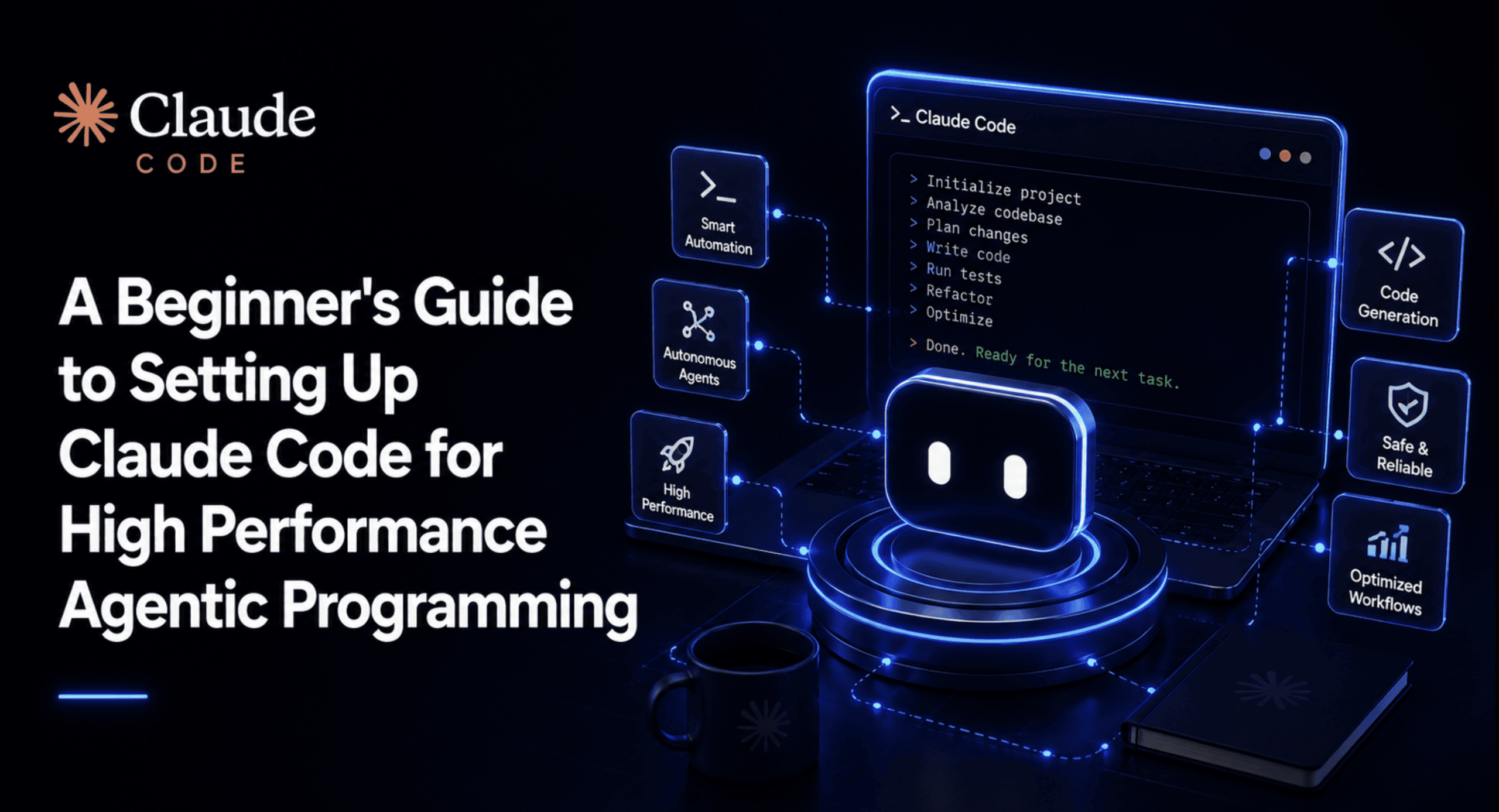
Beyond static configuration, Claude Code offers a rich set of built-in commands designed to manage sessions, context, and review processes. While memorizing all sixty-plus commands is impractical, a core set significantly enhances productivity and mitigates common frustrations.
- Context Management: Commands like
/clear(starts a fresh conversation while retaining project memory),/compact [focus](summarizes history to free up context), and/context(shows current context window usage) are vital for maintaining efficient sessions and preventing context bloat. - Planning and Review:
/plantoggles Plan Mode, where Claude proposes actions before execution, requiring explicit approval—a critical feature for maintaining control. For review,/diffopens an interactive view of all session changes, while/code-reviewand/security-reviewautomatically check changes for bugs and vulnerabilities, respectively./reviewextends this to GitHub pull requests. - Navigation and State Management:
/resume [session]allows picking up previous conversations,/branch [name]forks conversations into new sessions, and/rewindreverts code or conversation to earlier checkpoints. These commands provide robust version control for the agent’s interactions. - Cost and Performance Optimization:
/modelenables switching models mid-session,/effortadjusts reasoning depth (low to max) for task complexity, and/costtracks token usage for API key users. - Configuration and Diagnostics:
/permissionsand/hooksoffer interactive management of these critical settings, while/doctordiagnoses configuration problems.
Building a Custom /truth Command: Enhancing Agent Verification
A prime example of Claude Code’s extensibility is the creation of custom commands, or "skills." While a /truth command is not built-in, the concept of a command that forces the agent to verify its claims against the actual codebase is invaluable. This self-correction mechanism is a hallmark of advanced agentic systems.
A custom /truth command, defined as a skill at .claude/skills/truth/SKILL.md, can be configured with specific instructions and tool restrictions. By limiting its allowed-tools to Read, Grep, Glob, and Bash(git diff:*), the command ensures it can inspect the codebase without inadvertently modifying it. The instruction body directs Claude to:
- Re-read files it claims to have edited to confirm changes.
- Verify claims about existing code (e.g., function behavior, config values) against actual files.
- Compare the
git diffagainst its described changes. - Report discrepancies plainly, without softening or hedging.
This custom command introduces a critical layer of verification, forcing the agent to ground its outputs in the current state of the repository rather than relying solely on its internal memory. Running /truth after multi-step tasks or before committing changes significantly reduces the risk of introducing errors based on outdated or incorrect agent perceptions. This approach aligns with the broader principle of self-correcting agents, where verification steps are externalized and forced to interact with the real environment.
Scaling Efficiency: Subagents and Parallel Workflows
For advanced use cases, Claude Code introduces subagents and parallel work capabilities, transforming single-session productivity into scalable, team-wide efficiency gains.
Subagents: Specialized and Isolated Intelligence
A subagent is a specialized instance of Claude Code with its own context window, system prompt, and tool permissions. Anthropic’s documentation highlights their isolation from the main session, returning only a summary of their findings rather than verbose intermediate interactions. This isolation is a significant performance advantage, as it prevents large, verbose tasks (e.g., codebase exploration, dependency audits, extensive test writing) from consuming the main session’s context budget.
Developers can create subagents interactively via the /agents command or define them as files (.claude/agents/<name>.md) with specific model selections and tool access. Common patterns include code-reviewer or test-runner subagents, often with read-only access, ensuring they can inspect and report without making unauthorized changes. This delegation of concerns mirrors best practices in software architecture, enhancing both efficiency and security.
Parallel Workflows: batch and worktree Sessions
For genuinely parallel development, where multiple unrelated parts of a codebase need simultaneous modification, Claude Code supports /batch commands and --worktree sessions. These advanced features allow multiple Claude Code instances to operate concurrently within isolated Git worktrees, each with its own working directory. This prevents agents from stepping on each other’s changes, enabling truly independent and parallel development efforts. While more advanced, these capabilities underscore Claude Code’s potential for enterprise-level team collaboration and large-scale project management, where bottlenecks from sequential work are costly.
Anthropic’s Vision and Developer Best Practices
Anthropic’s approach with Claude Code emphasizes a philosophy of transparent, configurable AI. The extensive documentation and the flexibility offered through CLAUDE.md, settings.json, hooks, and custom commands reflect a commitment to empowering developers with fine-grained control over their AI assistants. This contrasts with more opaque "black box" AI tools, where customization is limited. By providing the mechanisms for detailed configuration, Anthropic encourages developers to treat their AI agents not as infallible oracles, but as powerful tools that require careful setup and ongoing management, much like any other critical piece of software infrastructure.
The recommended starter CLAUDE.md and settings.json provided in the original guide encapsulate these best practices. They establish sensible permissions, robust security hooks (like the dangerous bash command blocker), automatic code formatting, and project-specific memory. Committing these configuration files to a project repository ensures that every team member benefits from the same high-performance baseline, fostering consistency and reducing onboarding friction for new developers. This standardization is crucial for scaling AI agent adoption within organizations, transforming individual productivity gains into collective improvements in software delivery.
Industry Impact and Future Outlook
The optimization of AI agent setups like Claude Code has profound implications for the software development industry.
- Increased Developer Productivity: By automating mundane tasks, reducing context switching, and streamlining review processes, AI agents can significantly boost individual developer output, potentially leading to faster development cycles and quicker time-to-market for new features.
- Enhanced Code Quality and Security: Automated linting, testing, code reviews, and security checks, especially when enforced through agent configurations and hooks, contribute to higher quality, more secure codebases. The proactive blocking of dangerous commands minimizes human error and reduces vulnerabilities.
- Improved Team Collaboration: Standardized agent configurations within a project repository ensure all team members work with the same AI assistance, promoting consistency and reducing divergence in coding practices. Subagents can also facilitate parallel work, accelerating large-scale projects.
- Shifting Developer Roles: As AI agents handle more routine coding, developers can focus on higher-level architectural design, complex problem-solving, and innovative feature development, elevating the strategic value of human intellect.
- Economic Impact: The cumulative effect of these improvements can translate into substantial cost savings for businesses, both in terms of reduced development time and minimized post-release defects.
The future of agentic programming is poised for even greater sophistication. As LLMs become more powerful and context windows expand, the capabilities of agents like Claude Code will undoubtedly grow. However, the foundational principles of effective configuration, permission management, and proactive safety measures will remain paramount. The ability to tailor these intelligent assistants to specific project needs, security requirements, and team workflows will be the differentiating factor between merely using AI and truly leveraging it for transformative impact.
Wrapping Up
The distinction between a basic Claude Code installation and a high-performance agentic programming setup is not found in esoteric features but in the diligent application of foundational configuration principles. Investing twenty minutes in establishing a robust CLAUDE.md, settings.json, and essential hooks can dramatically alter the trajectory of a development project. These elements collectively mitigate friction points—context degradation, permission fatigue, and inconsistent behavior—that often plague unoptimized setups. By proactively configuring project memory, defining explicit permission rules, implementing automated hooks, and mastering key commands, developers can unlock the full potential of Claude Code, transforming it into an indispensable tool that starts every session from a significantly stronger, more efficient, and more secure baseline. This strategic approach ensures that the promises of agentic AI in software development are not just met but exceeded, driving innovation and efficiency across the industry.