
The Growing Imperative for Local LLM Inference
For years, the allure of sophisticated AI tools like Anthropic’s Claude models has been tempered by the practicalities of deployment. Agentic coding sessions, which involve LLMs reading files, writing code, running tests, and iterating on solutions, are inherently token-intensive. A single session with a cloud-based service can consume 10 to 50 times more tokens than a standard chat conversation. This translates directly into substantial financial outlays for organizations and individual developers, quickly escalating costs, especially at scale. Beyond the monetary aspect, cloud API usage introduces other significant hurdles: stringent rate limits that can interrupt critical workflows mid-session, a dependency on third-party APIs subject to fluctuating pricing models, evolving usage policies, and the ever-present risk of service outages. Furthermore, sending proprietary code and sensitive data to external servers raises considerable data privacy and security concerns, making cloud LLMs a non-starter for many enterprises operating under strict compliance regulations.
The demand for local inference solutions has been steadily building, driven by these practical and strategic considerations. Developers and organizations alike have sought ways to harness the power of AI while retaining full control over their data, infrastructure, and operational costs. This desire has fueled the rapid advancements in local LLM technology, particularly in model quantization and efficient inference engines.
A Timeline of Local AI Evolution and Integration
The journey towards seamless local integration for tools like Claude Code has been a progression of technological breakthroughs. Early attempts to run LLMs locally were often hampered by immense hardware requirements and the complexity of managing large model weights. However, innovations in quantization techniques, which reduce the precision of model parameters to shrink their size and memory footprint without significant performance degradation, proved to be a game-changer.
The llama.cpp project, initiated in late 2022, emerged as a pivotal force, demonstrating that large language models could run efficiently on consumer-grade hardware. Its focus on C/C++ implementations and GGUF (GGML Universal File Format) allowed for unprecedented accessibility, enabling developers to run models like Meta’s Llama series on CPUs and integrated GPUs. This laid the groundwork for user-friendly wrappers and platforms.
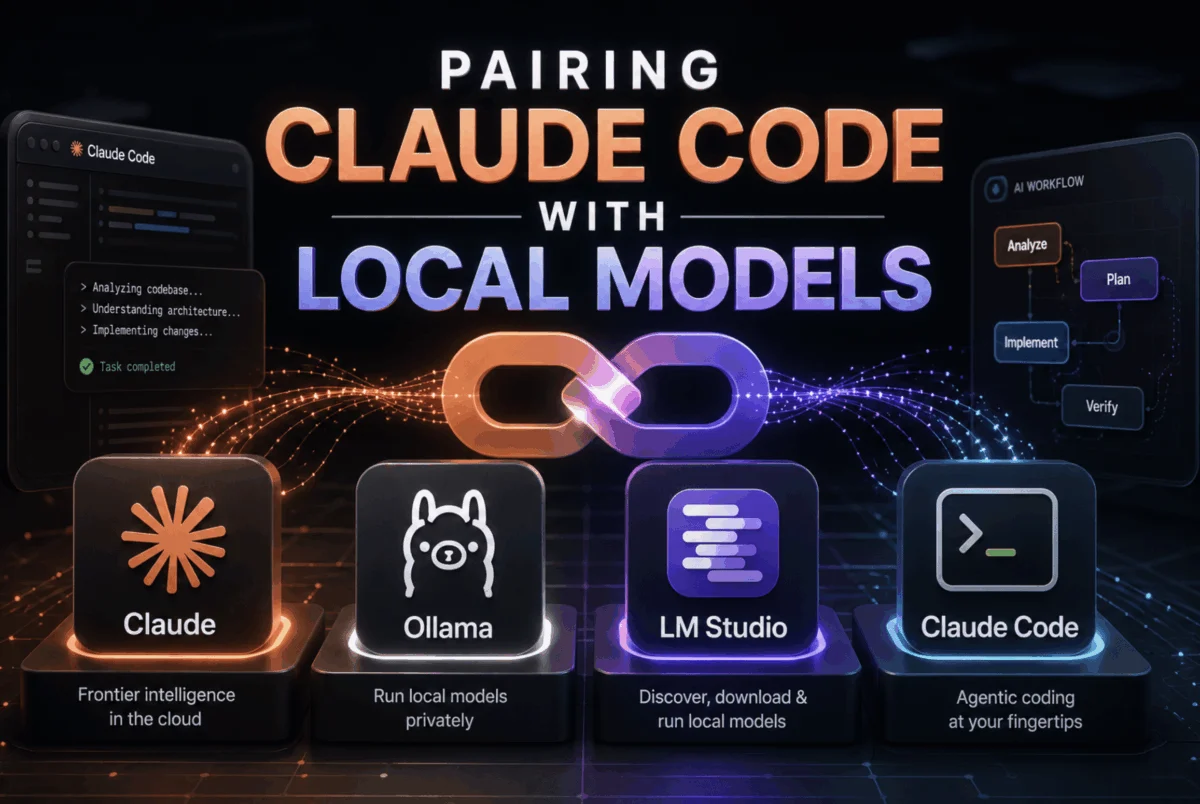
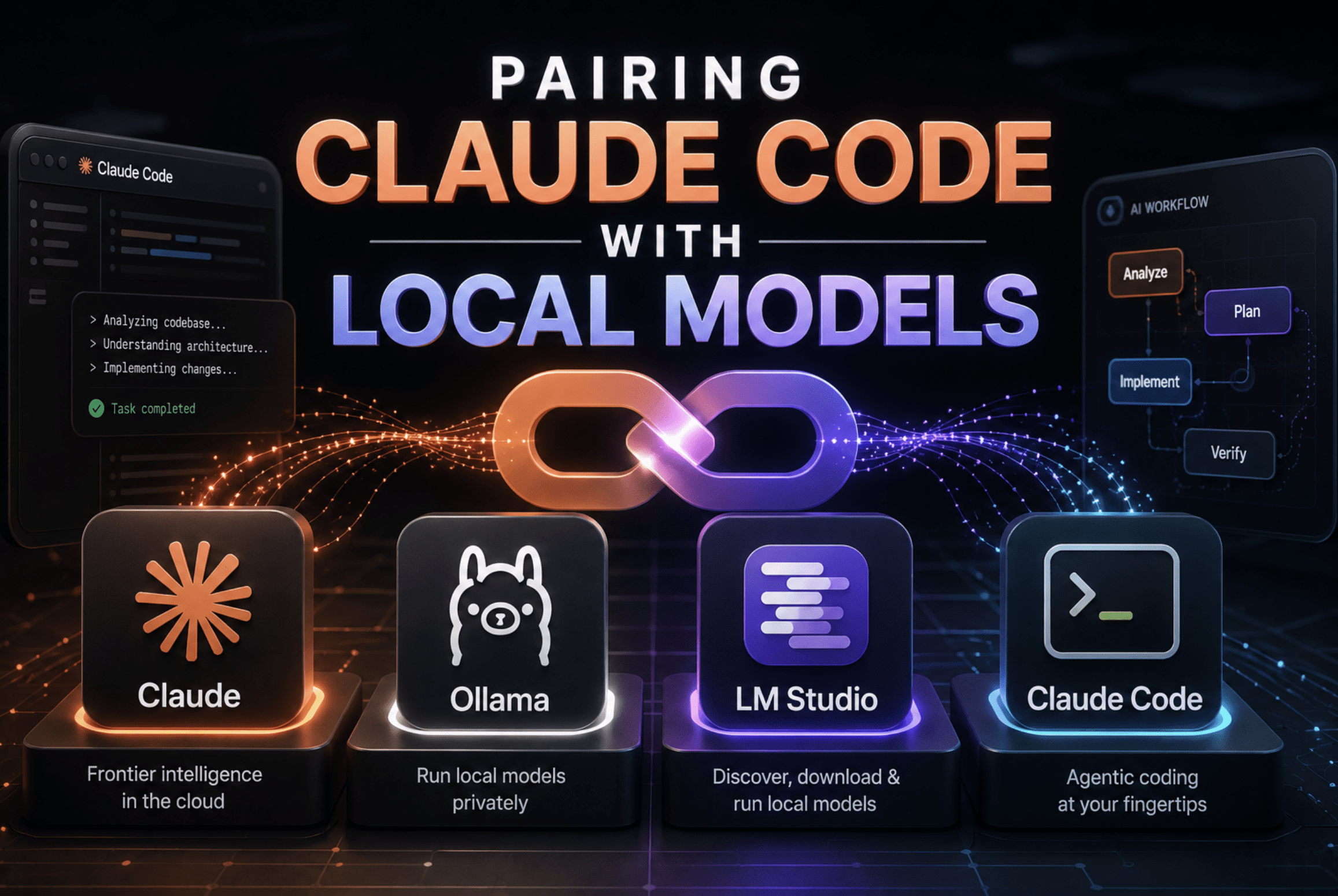
Ollama, launched in 2023, further simplified the process, abstracting away much of the underlying complexity. It provided a straightforward command-line interface for downloading, running, and managing a wide array of quantized models, quickly gaining traction within the developer community. LM Studio followed suit, offering a graphical user interface (GUI) that made model discovery and local server management even more intuitive, appealing to a broader audience less comfortable with terminal-based workflows.
The critical technical shift that truly unlocked the current workflow for Claude Code came in January 2026. At this time, Ollama introduced native support for the Anthropic Messages API format. This was a crucial development, as it meant Ollama could directly interpret and respond to the same API requests that Claude Code sends to Anthropic’s cloud servers, eliminating the need for cumbersome translation proxies. Soon after, LM Studio enhanced its capabilities, adding a native /v1/messages endpoint in version 0.4.1, aligning it with the Anthropic protocol. Llama.cpp had already established direct Anthropic API support earlier, solidifying a trifecta of robust local inference backends capable of natively communicating with Claude Code. This synchronized evolution of local inference platforms with API compatibility standards marked the true beginning of this new era.
Unpacking the Technical Backbone: How Claude Code Connects Locally
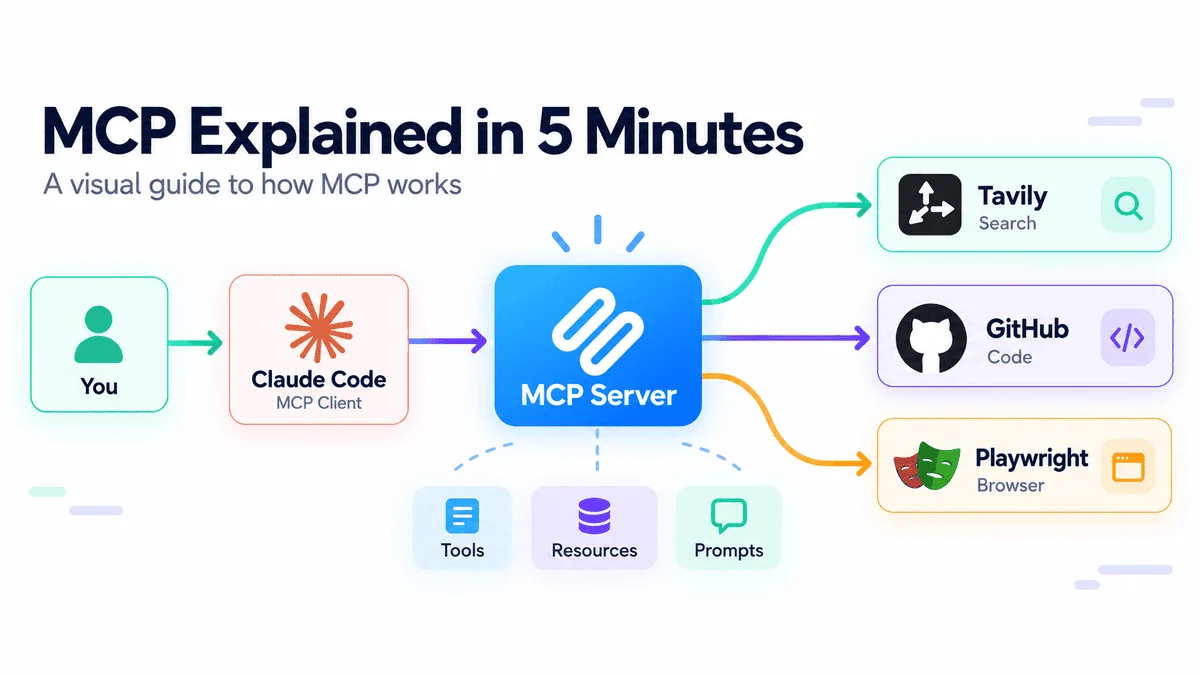
The elegance of Claude Code’s local integration lies in its simplicity, a testament to thoughtful API design. Claude Code, at its core, communicates with LLMs using the Anthropic Messages API format. By default, these requests are directed to Anthropic’s proprietary cloud servers. However, a single environment variable, ANTHROPIC_BASE_URL, acts as a critical redirect. By setting this variable, developers can instruct Claude Code to send its API requests to any server that "speaks" the Anthropic Messages API format, including local instances of Ollama, LM Studio, or llama.cpp.
Beyond simply redirecting the endpoint, three additional environment variables are crucial for seamless operation: ANTHROPIC_DEFAULT_SONNET_MODEL, ANTHROPIC_DEFAULT_HAIKU_MODEL, and ANTHROPIC_DEFAULT_OPUS_MODEL. Claude Code is designed to internally request different model tiers (Sonnet, Haiku, Opus) depending on the complexity and type of coding task at hand. Without these mapping variables, Claude Code would attempt to request models like claude-sonnet-4-20250514 from a local server, which would inevitably lead to rejection as no such model exists locally. These variables allow developers to map each of Claude Code’s internal tier requests to the name of their chosen local model (e.g., glm-4.7-flash:latest), ensuring that Claude Code always requests a model that the local server can provide.
The fact that Ollama, LM Studio, and llama.cpp now natively support the Anthropic Messages API protocol is a significant architectural advantage. It removes the previous necessity for complex translation layers or proxy servers, simplifying the setup process and reducing potential points of failure. This direct communication pathway ensures higher compatibility, lower latency, and a more reliable developer experience.
Backend Deep Dive: Empowering Developers with Choice
Developers now have a choice of three powerful local inference backends, each catering to slightly different needs and technical preferences.
Ollama: Simplicity and Accessibility for Local Models
Ollama is often the recommended starting point due to its unparalleled ease of use. It masterfully abstracts away the complexities of model management, including downloading model weights, performing quantization, allocating resources between CPU and GPU, and serving the model via an API. Its command-line interface (CLI) makes installation and model pulling a matter of a few commands. Once installed, Ollama runs as a persistent background service on port 11434, requiring no manual server startup for subsequent use. This "set it and forget it" approach makes it ideal for developers who prioritize getting up and running quickly without deep dives into inference engine specifics.
- Prerequisites and Setup: Installation is a single
curlcommand for macOS/Linux or a simple installer for Windows. Verifying the Ollama version (0.14.0+) is crucial for Anthropic API compatibility. Pulling models likeglm-4.7-flash:latest(known for strong tool calling and low VRAM requirements) orqwen3-coder(excellent for code generation) is equally straightforward. - Configuration: Claude Code can be configured to use Ollama via shell exports for temporary sessions,
~/.claude/settings.jsonfor permanent global settings, or a project-specific.envfile for granular control. TheANTHROPIC_BASE_URLis set tohttp://localhost:11434, and placeholderANTHROPIC_API_KEYandANTHROPIC_AUTH_TOKENvalues (e.g., "ollama") are used, as local servers typically bypass real authentication. Crucially, the default model variables are mapped to the chosen local model’s name.
LM Studio: The Graphical Gateway to On-Premise LLMs
For developers who prefer a visual interface over terminal commands, LM Studio presents an excellent solution. It provides a user-friendly GUI for browsing, downloading, and managing models, making the process highly intuitive. Since version 0.4.1, LM Studio has included a native Anthropic-compatible /v1/messages endpoint, ensuring direct communication with Claude Code. This means developers can visually select a model, load it, and start a local server with just a few clicks.
- Prerequisites and Setup: LM Studio can be installed via a CLI installer for server environments without a GUI or downloaded as a desktop application. The GUI facilitates model discovery from Hugging Face, downloading, and loading. A key step is noting the exact model identifier displayed in LM Studio, as this string is required for
ANTHROPIC_DEFAULT_SONNET_MODELand its counterparts. - Configuration: Similar to Ollama, configuration involves setting
ANTHROPIC_BASE_URLto LM Studio’s default port 1234 and mapping the model tiers to the loaded model’s exact identifier. The GUI allows developers to easily monitor server status and model performance.
Llama.cpp: Granular Control for Performance Enthusiasts
Llama.cpp is the backend of choice for those who demand maximum control over inference parameters and prefer a minimal overhead environment. It offers fine-grained configuration options for quantization types, KV cache management, batch size, and thread count, making it ideal for optimizing performance on specific hardware configurations or for server deployments. Its native Anthropic Messages API support ensures direct compatibility with Claude Code.
- Prerequisites and Setup: Installation often involves building from source, especially for optimal GPU performance with CUDA on Linux. Pre-built binaries are available for Windows. Models are typically downloaded in the GGUF format from Hugging Face.
- Server Configuration: Starting the
llama-serverinvolves several critical flags. The--modelflag points to the GGUF file,--aliasprovides the name for Claude Code’s model mapping,--portspecifies the server port (e.g., 8001), and--ctx-sizesets the context window, which is vital for handling large codebases (e.g., 128K or 256K tokens). Flags like--flash-attn(for memory-efficient attention) and--n-gpu-layers(to offload layers to the GPU) are crucial for performance optimization. For CPU-only inference,--threadsshould be matched to the CPU core count, and context size might be reduced to manage memory. - Configuration for Claude Code: The
ANTHROPIC_BASE_URLis set to the chosen port, and the model mapping variables must precisely match the--aliasprovided tollama-server. This level of detail allows developers to fine-tune their local AI environment to an unparalleled degree.
Optimizing Your Local Setup: Configuration and Troubleshooting
For a robust and persistent local Claude Code setup, the ~/.claude/settings.json file is indispensable. Unlike shell export commands, which are transient and tied to a single terminal session, variables defined in settings.json are read by Claude Code at startup, ensuring they apply consistently across all launches, whether from the terminal, a VS Code task, or an automated script.
A crucial setting for local inference is "CLAUDE_CODE_DISABLE_EXPERIMENTAL_BETAS": "1". When Claude Code operates through non-Anthropic backends, it may inadvertently add Anthropic-specific experimental beta flags to its request headers. Local and third-party servers typically do not recognize these flags, leading to Error: Unexpected value(s) for the anthropic-beta header. Setting this variable to "1" instructs Claude Code to strip these headers before sending requests, resolving the error without impacting core functionality.
For developers who frequently switch between local and cloud-based LLMs, managing configurations can become cumbersome. A practical solution is to maintain separate shell scripts (e.g., use-local.sh and use-anthropic.sh). These scripts can export or unset the relevant environment variables, allowing for quick toggling between different backends. This approach ensures a clean and efficient workflow, minimizing the need to manually edit configuration files.
Curated Models for On-Premise Agentic Coding in 2026
The performance of local Claude Code is heavily dependent on the chosen LLM and available hardware. As of 2026, the landscape of local models has matured significantly, offering quality levels previously only attainable with cloud-based services. However, hardware remains a primary constraint. For a genuinely usable experience with agentic coding tasks, a minimum of 32 GB of RAM (unified memory on Apple Silicon or traditional PC RAM) is highly recommended. While 16 GB can be viable with smaller quantized models and CPU offload, generation speed for multi-step tasks will be noticeably slower.
Here’s a selection of highly recommended models, considering their performance, VRAM requirements, and context window capabilities:
| Model | VRAM Needed | Context | Strengths | License | Pull Command (Ollama) |
|---|---|---|---|---|---|
glm-4.7-flash |
8 GB | 128K | Tool calling, fast, low VRAM | Apache 2.0 | ollama pull glm-4.7-flash |
devstral-small-2:24b |
16 GB | 32K | Agentic coding workflows | Apache 2.0 | ollama pull devstral-small-2:24b |
qwen3-coder |
20 GB | 128K | Code generation, instructions | Apache 2.0 | ollama pull qwen3-coder |
qwen3.5:27b |
20 GB | 256K | Strong all-round, huge context | Apache 2.0 | ollama pull qwen3.5:27b |
gemma4:26b |
20 GB | 256K | Reasoning, 77% coding bench | Gemma License | ollama pull gemma4:26b |
The glm-4.7-flash model, with its modest 8GB VRAM requirement and strong tool-calling capabilities, stands out as an excellent entry point, offering a balance of performance and accessibility. Models like qwen3.5:27b and gemma4:26b provide larger context windows (256K tokens), which are invaluable for navigating and understanding extensive codebases, though they demand more substantial hardware. Developers should choose models based on their specific task requirements and the capabilities of their local machines, prioritizing quantized versions to optimize memory usage.
Beyond Cost Savings: The Broader Implications of Local Claude Code
The integration of Claude Code with local inference backends extends far beyond simple cost reduction; it ushers in a new paradigm for AI-powered software development with profound implications.
- Enhanced Data Privacy and Security: By processing code and data entirely on local machines, organizations can eliminate concerns about intellectual property leakage and compliance breaches. This is particularly critical for industries dealing with sensitive information, such as finance, healthcare, and defense, where proprietary code must remain strictly in-house.
- Uninterrupted Workflow and Developer Autonomy: The removal of rate limits and external API dependencies ensures that developers can work without interruption, fostering a more fluid and efficient coding experience. This independence from third-party services empowers developers with greater control over their tools and workflows.
- Democratization of Advanced AI Tools: The zero per-token cost model significantly lowers the barrier to entry for individual developers and smaller teams who might otherwise be priced out of advanced AI assistants. This democratization encourages broader experimentation and innovation within the developer community.
- Hybrid AI Architectures: This development paves the way for sophisticated hybrid AI architectures, where routine coding tasks and initial drafts can be handled by cost-effective local models, while complex, nuanced problems requiring the very latest capabilities might still leverage cloud APIs. This intelligent partitioning allows organizations to optimize for both cost and performance.
- Edge AI for Development: Running LLMs locally effectively brings AI capabilities to the "edge" of the development environment. This reduces latency, especially in iterative coding loops, and allows for AI assistance even in environments with limited or no internet connectivity.
- Fostering Open-Source Innovation: The emphasis on local models further strengthens the open-source AI ecosystem, encouraging more contributions and innovations in model development, quantization techniques, and inference engines.
Conclusion: A New Era for AI-Powered Development
The ability to pair Claude Code with local models represents a monumental leap forward for AI-powered software development. What once required complex, fragile adapters and intricate hacks has now been streamlined into a remarkably simple, five-step process: install the inference backend, pull a model, set three environment variables, and launch Claude Code. This straightforward configuration, often taking less than five minutes after model download, unlocks a powerful coding assistant that operates without per-token costs, rate limits, or external data exposure.
Developers can now enjoy an AI assistant that keeps their proprietary code entirely on their machines, offering a level of privacy and control previously unattainable with cloud-exclusive solutions. The quality of local models in 2026 is robust enough to cover the vast majority of real-world coding use cases, from code completion and refactoring to debugging and codebase explanation. The recommended starting point, Ollama with glm-4.7-flash, offers the lowest hardware requirement, consistent tool-calling support, and the quickest path to a fully functional setup. As developers gain experience and their hardware permits, they can easily scale up to larger, more capable models to meet their evolving needs. This transformation marks the beginning of a new era where powerful AI coding assistance is not just accessible, but also private, cost-effective, and fully under the developer’s command.